

USB cable failure is a common computer problem, usually due to USB cable aging, wear and tear, pollution, and overheating of the cable head. Once encountered such a problem, users can solve it through the following methods.
1. Try to re-insert the cable: When the USB cable cannot be recognized, users can first try to re-insert the cable and make sure the connection is tight. If the problem still exists, users can try to replace the USB cable plug to make sure it is compatible with the computer's USB port.
2. Update Driver: If the USB cable is not recognized, users can try to update the driver of the computer. This can be done by visiting the official website of the computer manufacturer or by using a third-party driver update tool.
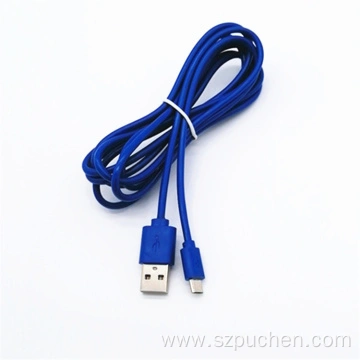
3. Check the USB port: If the USB cable cannot be recognized, users can check if the computer's USB port is working properly. This can be done by testing with another USB device to make sure that the USB port is not faulty.
4. Check the quality of the USB cable: If the USB cable cannot be recognized, users can check the quality of the USB cable. If the USB cable is not of good quality, it may cause connection problems. Users can try to replace the USB cable with a high quality one.
5. Check the computer's power supply: If the USB cable cannot be recognized, users can check if the computer's power supply is working properly. If there is a problem with the computer's power supply, it may cause the USB cable not to be recognized. Users can try to replace the computer's power supply.
6. Use USB cable fault tester: If none of the above methods can solve the problem, users can use USB cable fault tester to detect cable faults. This instrument can monitor the cable load current and temperature online, to avoid the cable failure due to long-term overload operation.
In conclusion, USB cable failure is a common computer problem that users can solve through the above methods. If the problem persists, users may consider contacting the computer manufacturer or technical support team for assistance.