

USB cables are a widely used data transfer device between various electronic devices and computers, and as technology continues to evolve, standards for this area are constantly being updated. In this article, we will introduce the different versions of USB cables in terms of physical interface and transmission speed.
First of all, let's take a look at the physical interface of the USB cable. the physical interface of the USB cable is mainly USB-A, USB-B, USB-mini, micro-USB and USB-C types. Among them, USB-A is the most common connector, USB-B is seldom used, and micro USB has been replaced by USB-C. USB-C is the latest USB standard for high-speed data transmission and higher power flow.
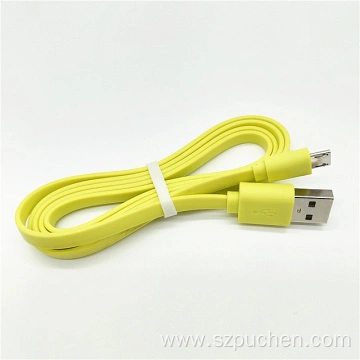
The different versions of USB cables also vary considerably in terms of transmission speed.The transmission speed of a USB cable depends mainly on its version and transmission protocol. Currently, the major versions of USB cables are USB1.0, USB2.0, USB3.0, USB3.1, and USB3.2. Among them, USB3.0 is the most commonly used version at present, with a transmission speed of up to 5 Gbps, while the transmission speeds of USB3.1 and USB3.2 can be up to 10 Gbps and more than 10 Gbps, respectively.
In addition, the transmission speed of USB cables is also affected by the transmission protocol. For example, USB 3.0 cables offer higher transfer rates, bi-directional transmission, high power capacity and high performance compared to USB 20 cables. USB 30 is backward compatible with USB 20 devices, but requires a storage device that supports USB 30 speeds and the new MassStorageDevice driver.
Overall, the different versions of USB cables vary greatly in terms of physical interface and transfer speed. With the continuous development of technology, the transmission speed and interface type of USB cables are also updated. When choosing a USB cable, we need to choose the right version according to our needs and device compatibility.